
Catalogs for LiveAuctioneers
Your LiveAuctioneers catalog,
ready to upload.
Build the catalog in BBZ Catalog, free, then download a spreadsheet in LiveAuctioneers's columns with the photos named by lot number. Let the AI write the lots from the photos when you want help.
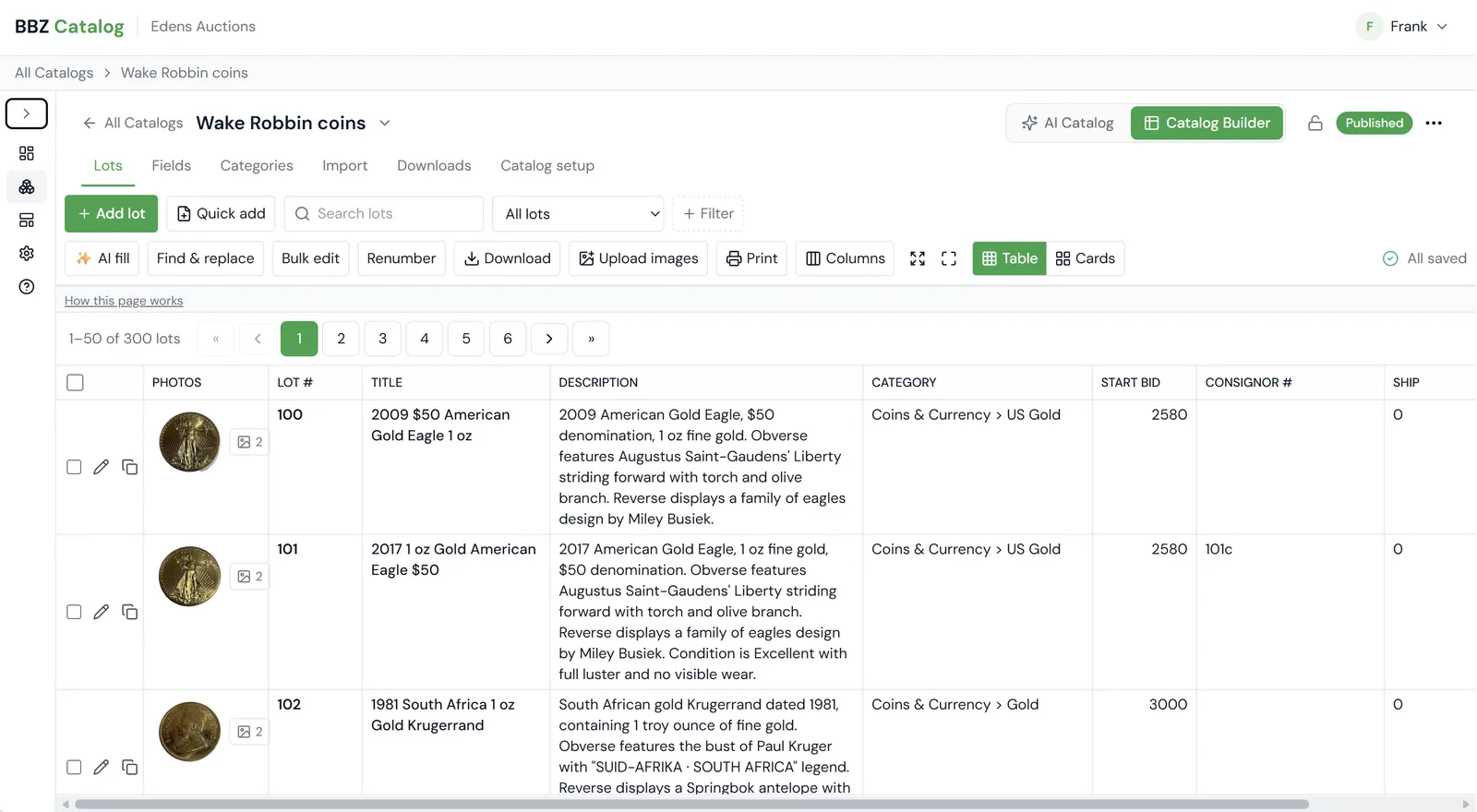
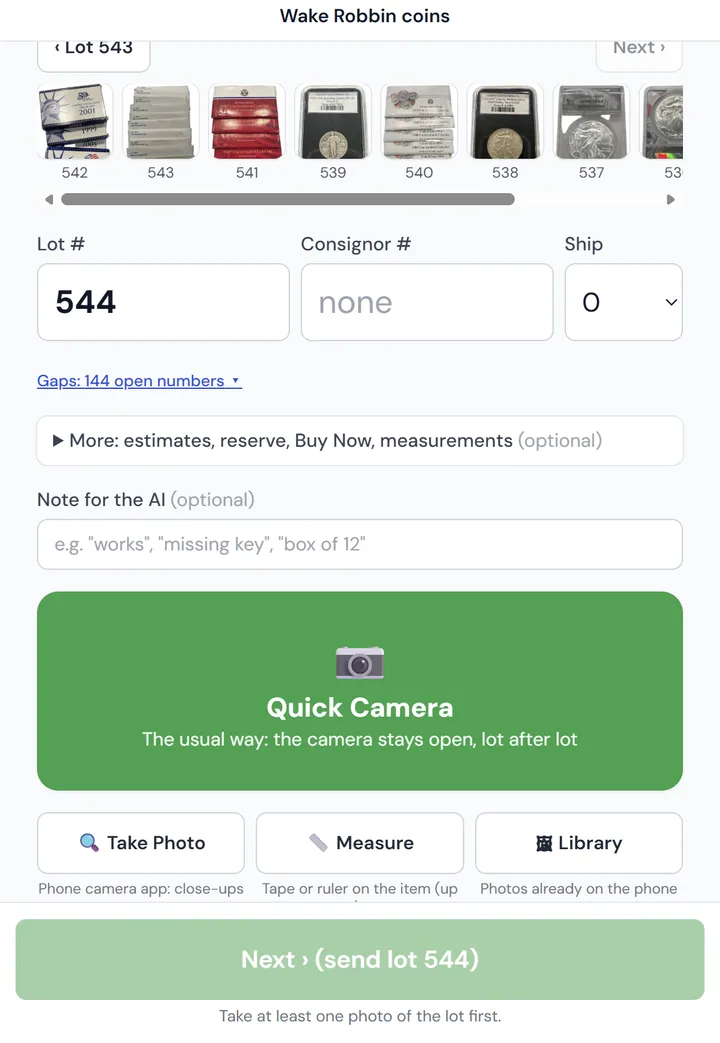
From photos to LiveAuctioneers in four steps.
Step 1 · Free
Add your lots
Shoot them on your phone, upload a folder of photos, type them in, or import a spreadsheet.
Step 2 · Optional AI
Let the AI write them
Title, description, condition, category and starting bid. Or write them yourself.
Step 3 · Free
Download the LiveAuctioneers file
Pick the "LiveAuctioneers" column set. You get the spreadsheet and a ZIP of photos named by lot number (120_1.jpg, 120_2.jpg …).
Step 4
Upload to LiveAuctioneers
Load the spreadsheet and photos with LiveAuctioneers's catalog import, just as you would with any file.
The LiveAuctioneers column set
Built in and ready to use. Change a heading, add a column or save your own set in Company settings.
- ✓The columns follow LiveAuctioneers' published catalog text format.
- ✓The condition the AI writes for each lot goes straight into the Condition column.
| # | Column in the download |
|---|---|
| 1 | LotNum |
| 2 | Title |
| 3 | Description |
| 4 | LowEst |
| 5 | HighEst |
| 6 | StartPrice |
| 7 | Condition |
| 8 | Consignor |
| 9 | Reserve Price |
| 10 | Buy Now Price |
A real sale
See one of our own sales, start to finish.
Step 1 · Public catalog page
Built and published in BBZ Catalog
Edens Auctions shot 300 gold and silver coin lots, let the AI write them, and published the catalog as its own public page.
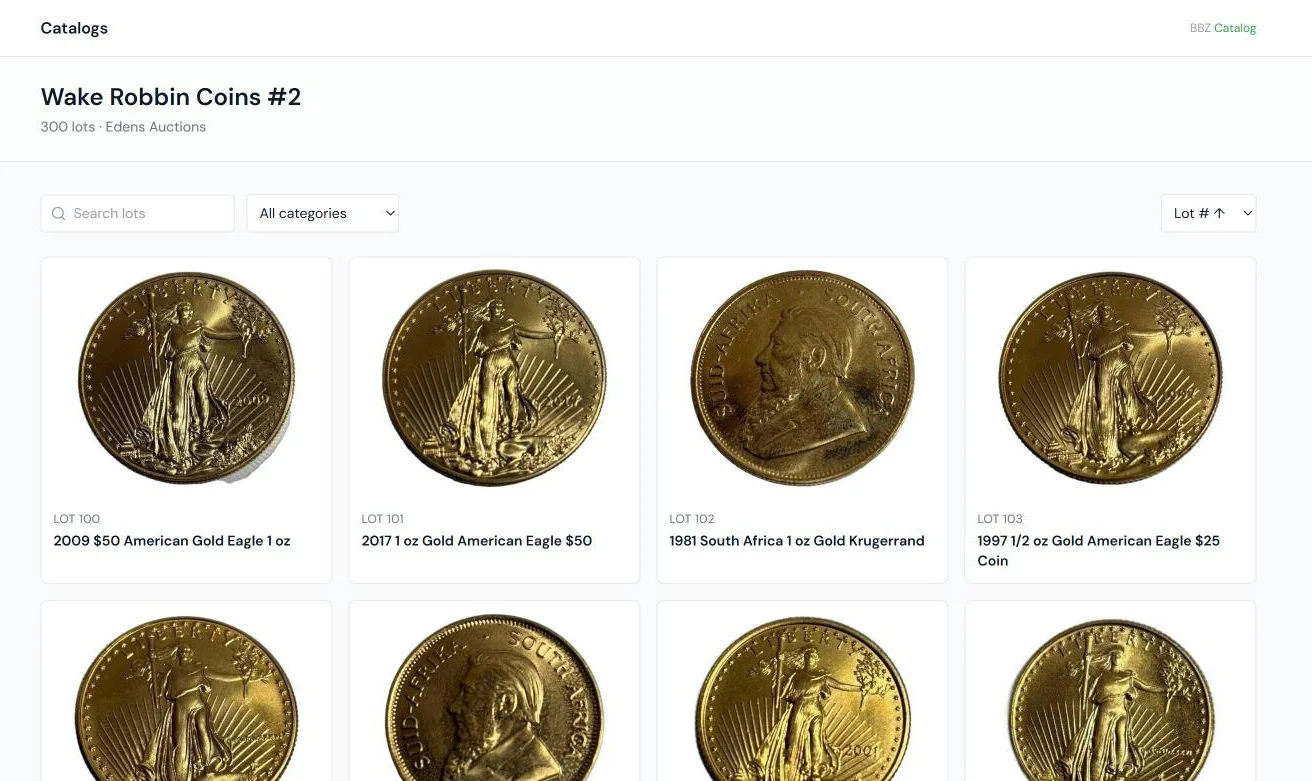 Browse the public catalog →
Step 2 · Live for bidding
The same lots, up for bid on BidBuyZoom
The catalog was downloaded and uploaded to BidBuyZoom, where bidders register, watch lots and bid.
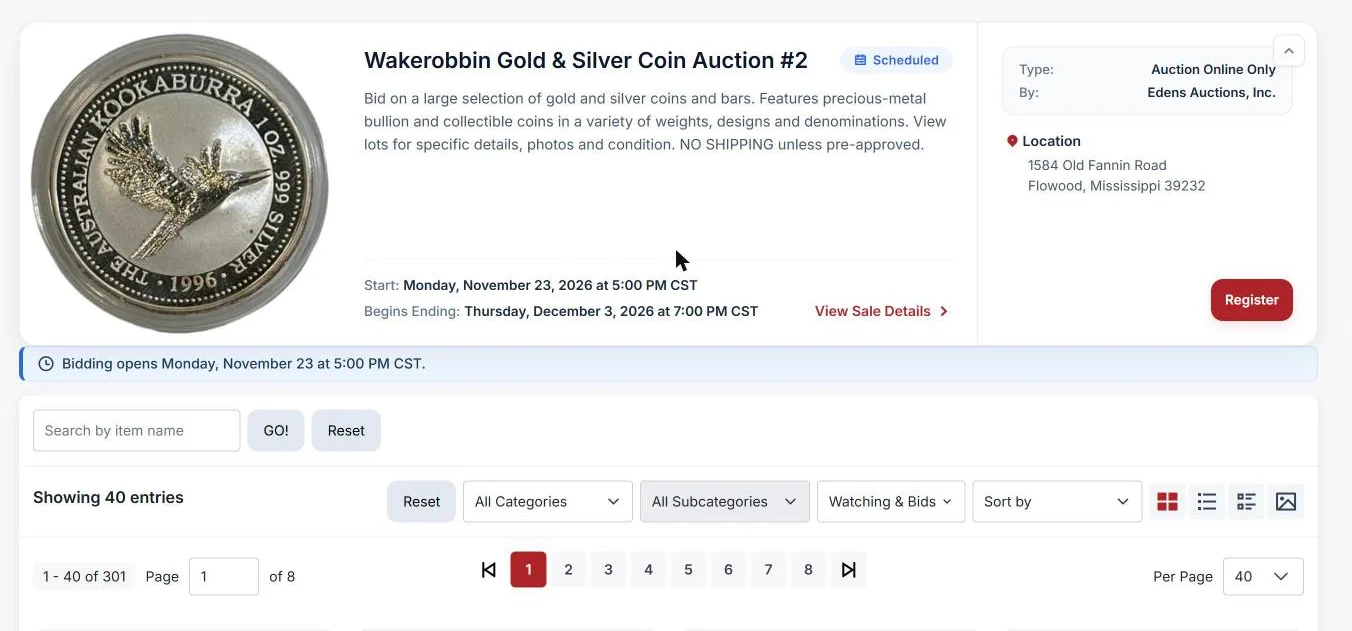 See the sale on BidBuyZoom ↗
What public catalog pages are for
Publish any catalog and it gets its own page, with your company name and a link to your website. Use it to:
- ✓Share one link with bidders and consignors, by email or on social media, before bidding opens.
- ✓Let Google find your lots, so people searching for an item can find your sale.
- ✓Keep the catalog online while you sell the same lots on BidBuyZoom, HiBid or any other site.
- ✓Show it safely: consignor, reserve, buy-now and your private fields never show on the public page.
Selling on more than one site?
The same catalog downloads for every site. Built-in sets: BidBuyZoom, HiBid, LiveAuctioneers, Invaluable, Proxibid. For any other site, make your own column set with its headings.
Build your next catalog free.
The catalog is always free. Add the AI whenever you want it. No card needed.